
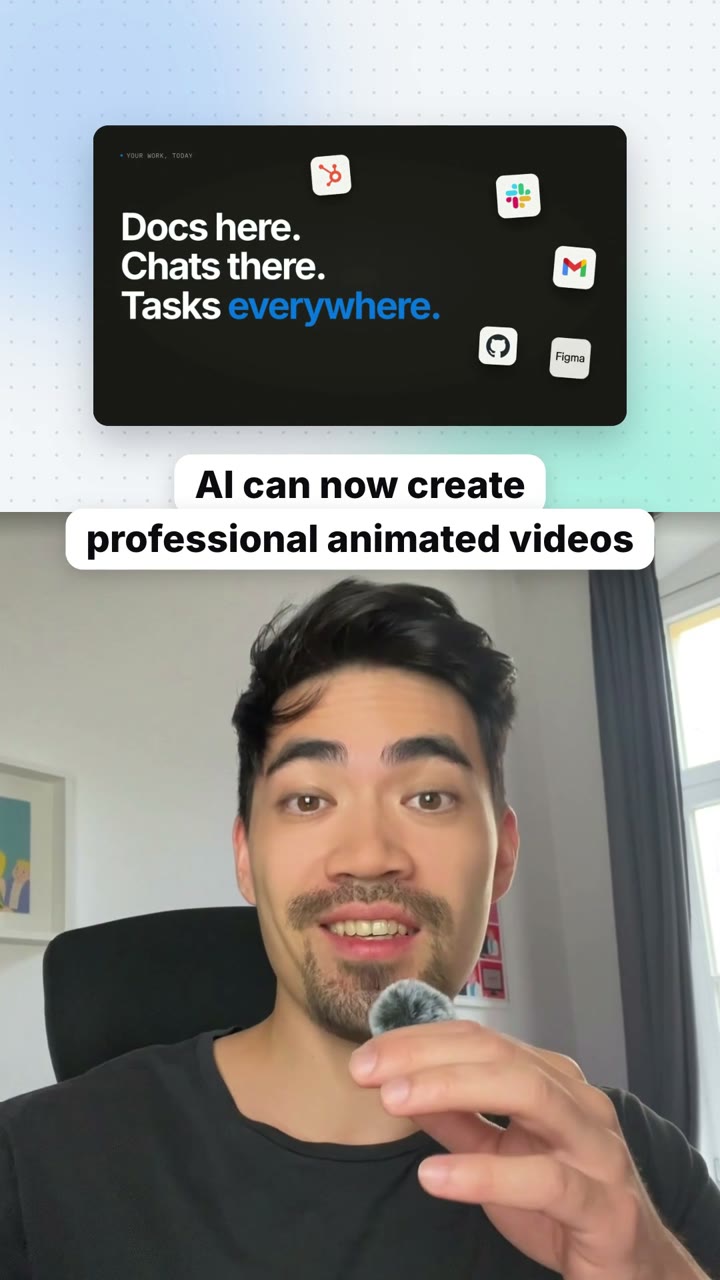
See it in other styles
A style sets the colors, fonts, the background, cards and the title and caption pills. These are made for this playbook; any other style works too.
Show & Tell Short
Raw talking-head clips go in, a tight vertical short that shows what you talk about while you say it comes out.
A vertical short where you talk in the bottom of the frame and the top shows what you're saying as you say it: the real product, logos, results, a prompt being typed, the steps of a process. Pauses and earlier takes are cut out (the last take of every line stays), and a title and then captions sit on the line between the two halves.
By Moritz Kremb
With FrameJam installed, paste this into your agent and replace the part in brackets with what the video is about and your files:
Make a video with the FrameJam playbook "Show & Tell Short" (id: talking-head-short). Call get_playbook("talking-head-short") and follow it. [Add more context here]You bring
- Your raw recording of you talking to camera
- Optional: screen recordings, images or clips of what you talk about
- Optional: where it will be posted and how long it should be
You get
A 30–90 s vertical video: you below, animated scenes above, captions on the seam
What you need
- Python 3 and ffmpeg
- Hyperframes, or the video tool your project already uses
- Speech to textwhisper on your computer (free), ElevenLabs Scribe (paid), OpenAI (paid)
- Sound effectsElevenLabs sound effects, a licensed library
Works in your existing project, with the tool it already uses.
What your agent does
- Turn your recording into text
- Cut the pauses and keep the last take of every line
- Plan one animated scene for each idea, showing the real thing when you name it
- Add the title, captions and sound effects
- Review each version in FrameJam until it's right
How it works
Make YouTube Shorts with AI from a raw talking-head clip. Your agent cuts the pauses and retakes, keeps you in the bottom of the frame and animates what you're talking about above you, right as you say it.
Give your agent the raw recording of you talking to camera, plus any screen recordings, images or clips of what you mention. It transcribes the recording for free on your computer with whisper, unless you ask for a paid service.
Next it cuts the dead air and finds earlier takes, keeping the last take of every line. Transcripts hide short restarts, so it also transcribes a few seconds around every sentence start and pause to catch them. The short gets faster because the waiting is gone, never because your voice is sped up.
From the edited narration it plans one scene per idea for the top 40% of the frame, changing every 2 to 5 seconds. When you name something, the scene shows the real thing: the product, the post, the result, the logo. Designed pieces like step pills, chips or a prompt bar that types fill in ideas that have no picture.
You stay in the bottom 60% with a face-centered crop and a small punch-in on every jump cut. A title sits on the seam between the halves for the first few seconds, then captions of 2 to 4 words take over, with the spoken word in the accent color.
Your agent renders a draft and opens it in FrameJam. Click the frame where a scene should show something else or a caption is wrong, and it makes the next version, so making YouTube Shorts with AI comes down to pointing at what you want changed.
The example
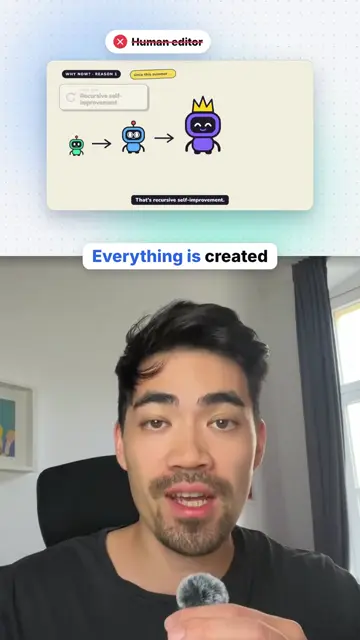
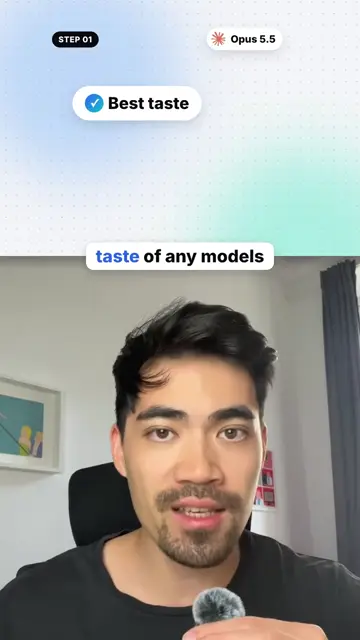
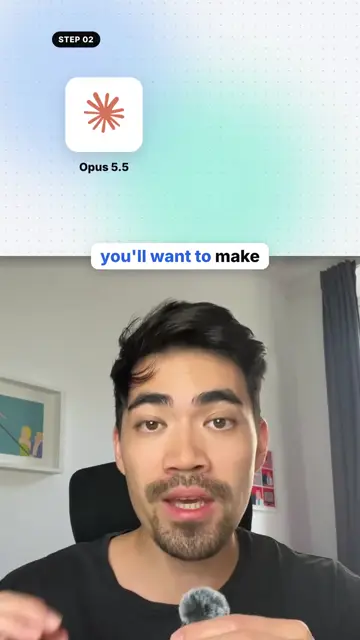
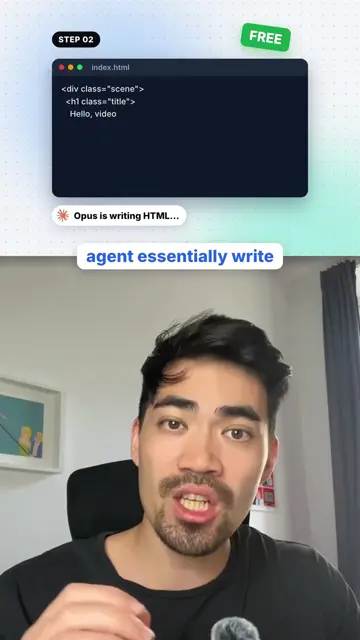
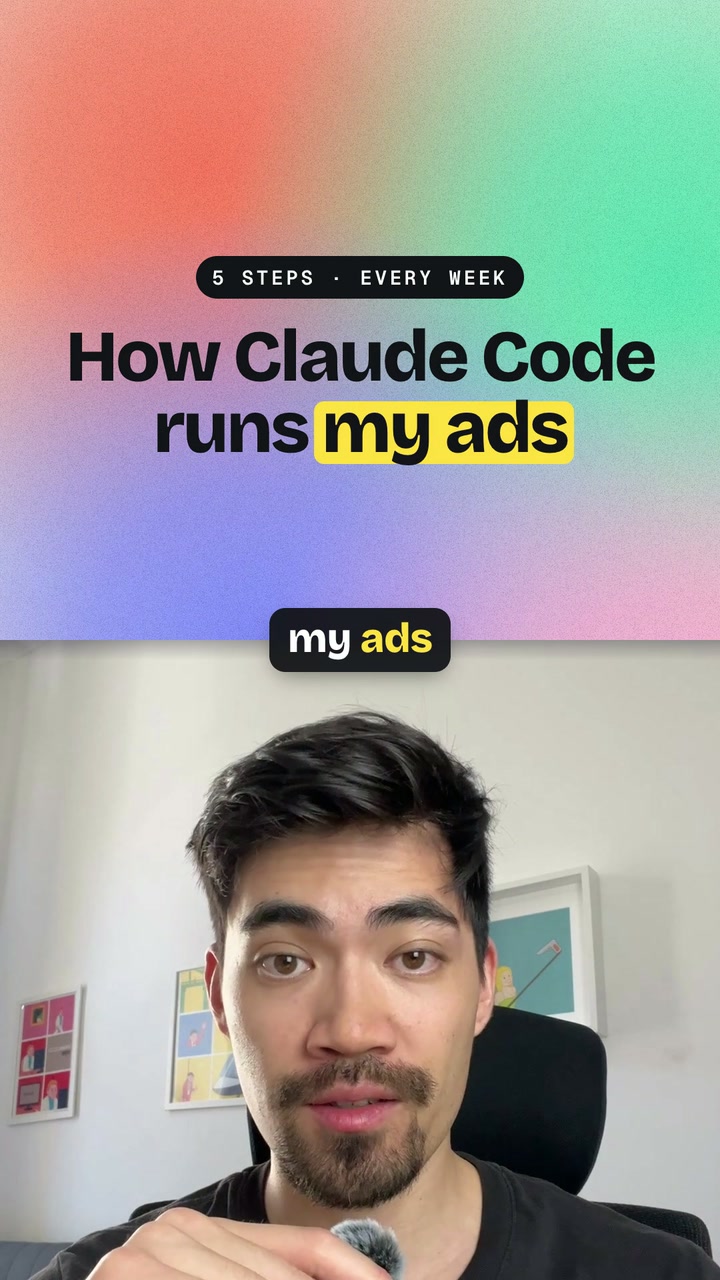
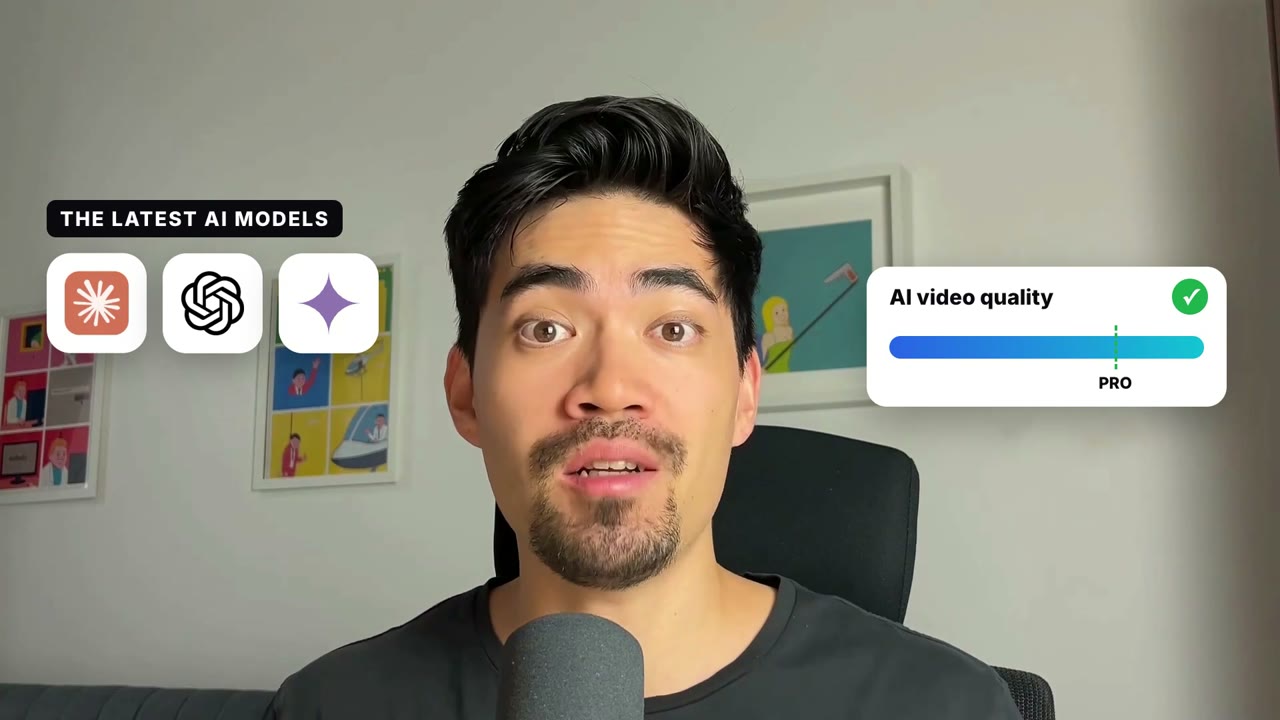
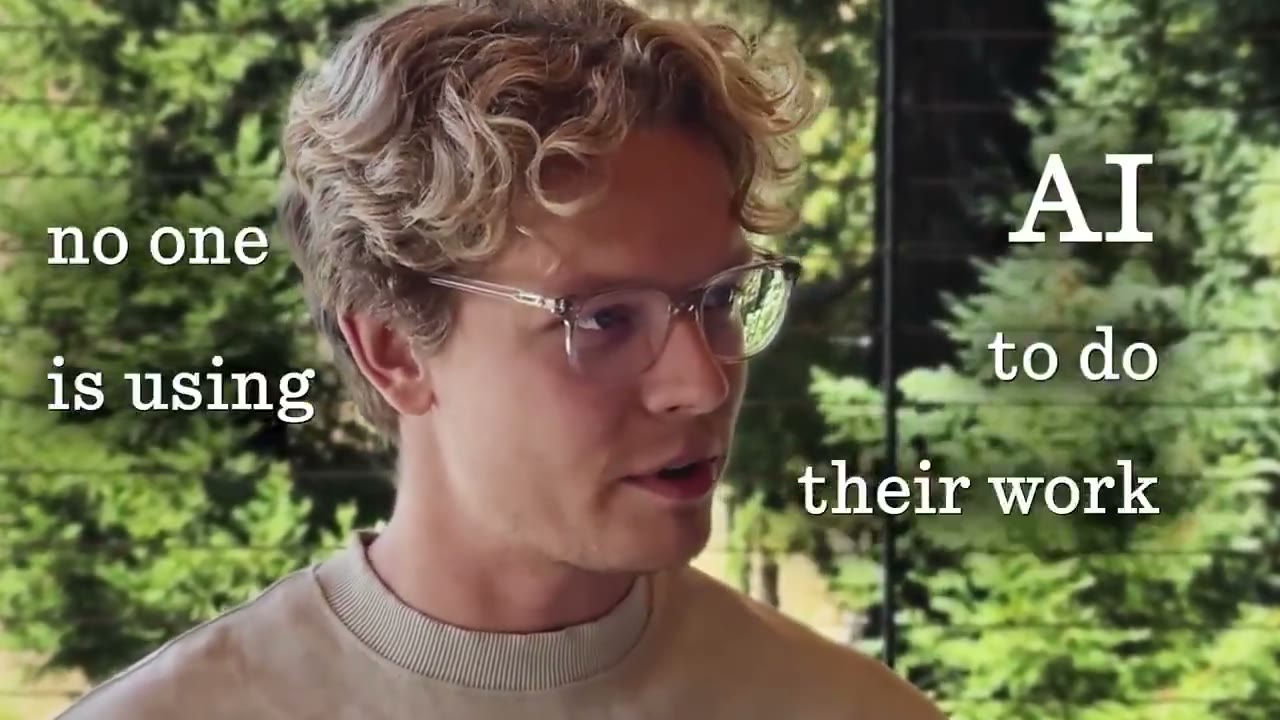
The example is an excerpt from the playbook's own reference short, "AI can now create professional animated videos" (48 s), built the way this playbook describes. The stills show the default light look: step pills, a chip that says "Best taste", an app tile and a code window that writes, all above the speaker with captions on the seam. The player at the top also has versions in Midnight Glow and Paper Marker, made with this playbook.
Example prompts
With FrameJam installed, paste one of these into Claude, ChatGPT or Cursor and change the details to yours.
From a phone recording
Use the Show & Tell Short playbook to turn ~/Downloads/short-raw.mov into a vertical short. Whenever I name a tool, show the real thing in the top half.With your own screen recordings
Make a Show & Tell Short from ~/Videos/talking-head.mp4. Use ~/Videos/screen-demo.mp4 and the screenshots in ~/Desktop/results/ in the top half when I talk about them.In a dark look
Edit ~/Downloads/reel-take-3.mov with the Show & Tell Short playbook in the Midnight Glow style. It's for YouTube Shorts and ends with me saying "comment TOOLS".Questions
How is this different from the Dynamic Layout Short?
Here the frame stays split the whole time: animated scenes on top, you below, captions on the seam. The Dynamic Layout Short switches between you alone, split screen, cut-outs and a step list every couple of seconds.
What do I need installed for a Show & Tell Short?
Python 3 with NumPy and ffmpeg, plus Node 22 for Hyperframes, which new projects use by default. If your project already renders with another tool, like Remotion, your agent builds the short there.
Does transcribing my recording cost anything?
No. It runs free on your computer with whisper by default. ElevenLabs Scribe and OpenAI are paid options your agent only uses if you ask, and it tells you the cost first.
How long will my short be?
Usually 30 to 90 seconds. It keeps the whole story you tell and won't cut content to hit a length; if it runs far over the platform's limit, your agent says so and proposes what to drop.
Related playbooks
Also try edit shorts with AI, with layouts that switch as you talk, edit a YouTube intro hook with AI or make a founder launch video for X with AI.
 Free to run
 Free to run
 Free to run