
Product Launch
Your product goes in, a polished launch video with the real app on screen comes out.
The 20–60 second launch video SaaS teams post on X: a hook that names the pain, the name landing on the beat drop, your real app shown working in floating windows, proof, and a clean end card. Everything is cut to one music grid and reads with the sound off. Only real screens and real facts, never a mocked interface.
By Moritz Kremb
With FrameJam installed, paste this into your agent and replace the part in brackets with what the video is about and your files:
Make a video with the FrameJam playbook "Product Launch" (id: product-launch). Call get_playbook("product-launch") and follow it. [Add more context here]You bring
- Your product: a link, the app to record, or screenshots and recordings
- Who it's for and where you'll post it
- Optional: logo, brand colors, a music track or a voiceover script
You get
A 20–60 s launch video (16:9, or 9:16 for Reels) with music and sound effects
What you need
- Launch music script and starter scene
- Hyperframes (or your project's video tool), Python 3 and ffmpeg
- Music, if you want a real trackthe included music script (free), YouTube Audio Library, Epidemic Sound (paid)
- A voiceoveryour own recording, Kokoro (runs locally), ElevenLabs (paid)
Works in your existing project, with the tool it already uses.
What your agent does
- Collect real screens, recordings and facts from your product
- Plan the frames on a music beat and agree on the story
- Design each frame so every piece lands on a beat
- Make the music and sound effects for this exact cut
- Build and render the video
- Review each version in FrameJam until it's right
How it works
Make a SaaS launch video like the ones teams post on X when they ship: a hook that names the pain, your product name on the beat drop, and your real app working on screen. You bring the product, your agent builds the video and you review it in FrameJam.
Your agent starts by collecting the real product. It records short takes of each feature in your app, or saves the hero video, screenshots, logo, headlines and stats from your website. Nothing gets mocked up, and if there's nothing real to show, it tells you.
Next it plans 6 to 10 frames on a music beat grid. At 120 BPM a beat is half a second and a bar is two seconds, so every frame starts on a downbeat and every headline, window and chip lands on a beat. The product name lands on the first drop.
Each feature is shown as a short sequence on the real interface, in a floating window: input, action, result. Headlines stay short enough to read with the sound off, since most launch videos autoplay muted.
The music and sound effects come from a free script included in the playbook that writes a track for this exact cut, so every slam, pop and click sits on the same grid. You can use your own track instead.
Your agent renders the video, checks it frame by frame and opens it in FrameJam. You comment on the exact frames you want changed, and it makes the next version until you're happy.
The example
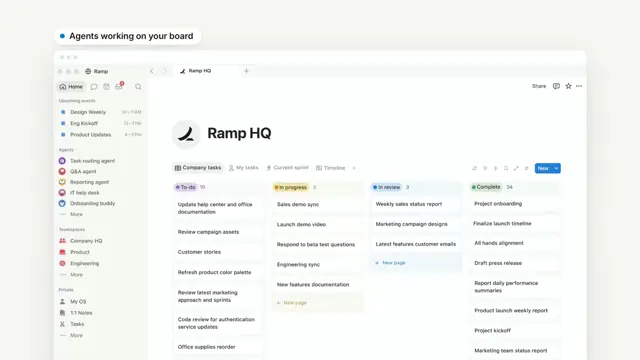
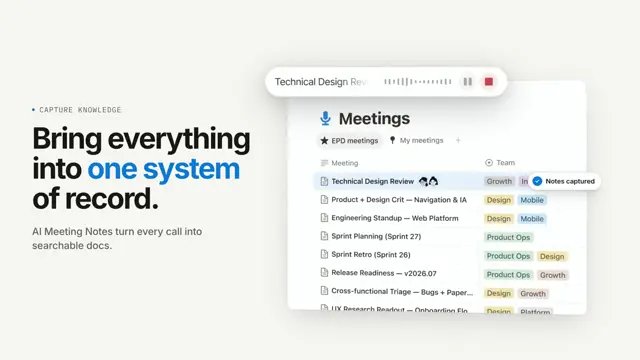
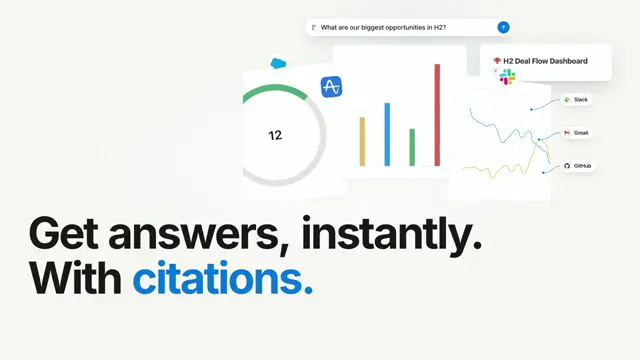
The video at the top is from the Notion launch demo, an unofficial practice piece Moritz made to show the format, built only from real assets on Notion's website. It uses Notion's own brand colors and fonts, with no voiceover and music cut to a 120 BPM grid.
Example prompts
With FrameJam installed, paste one of these into Claude, ChatGPT or Cursor and change the details to yours.
From your website
Use the FrameJam product-launch playbook to make a 40 second launch video for https://example.com. Use the screenshots and hero video from the site, and keep it music only so it works muted on X.From your own screen recordings
Make a product launch video with the FrameJam product-launch playbook from the recordings in ~/Downloads/launch-clips. It's for developers on X. Show the three features in the clips and end on our link.In a library style, for Reels
Use the product-launch playbook with the Midnight Glow style to make a 9:16 launch video for Reels from the screenshots in ~/Desktop/app-screens. Keep it under 30 seconds.Questions
Do I need my own music for a SaaS launch video?
No. The playbook includes a free script that makes a music bed and sound effects for your exact cut. You can also bring a track you own or a licensed library track, and paid services like Suno are only used if you say so.
What should I bring?
Your product as a link, the app to record, or screenshots and recordings, plus who it's for and where you'll post it. A logo, brand colors, a music track or a voiceover script are optional.
How long is the video?
Between 20 and 60 seconds. With nothing else said, your agent aims for about 40 seconds at 16:9, and keeps a 9:16 version for Reels at 30 seconds or less.
Can it make up stats or customer logos?
No. Stats, customer logos and claims come only from your product's own site or from you, and every interface shot is a real recording or screenshot.
Styles to try with Product Launch
Your style sets the whole look. Any style in the Styles gallery works. A few to start with:
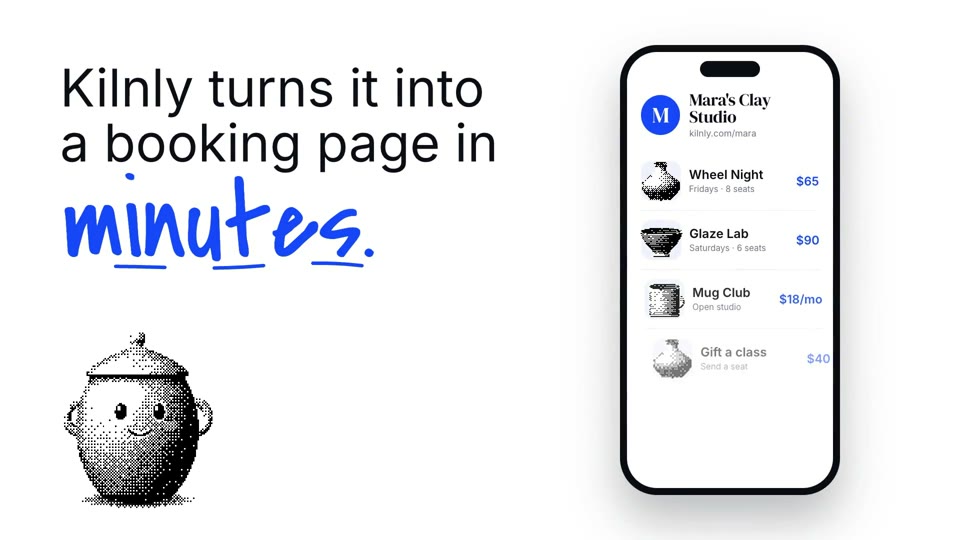 16:9 · Medium
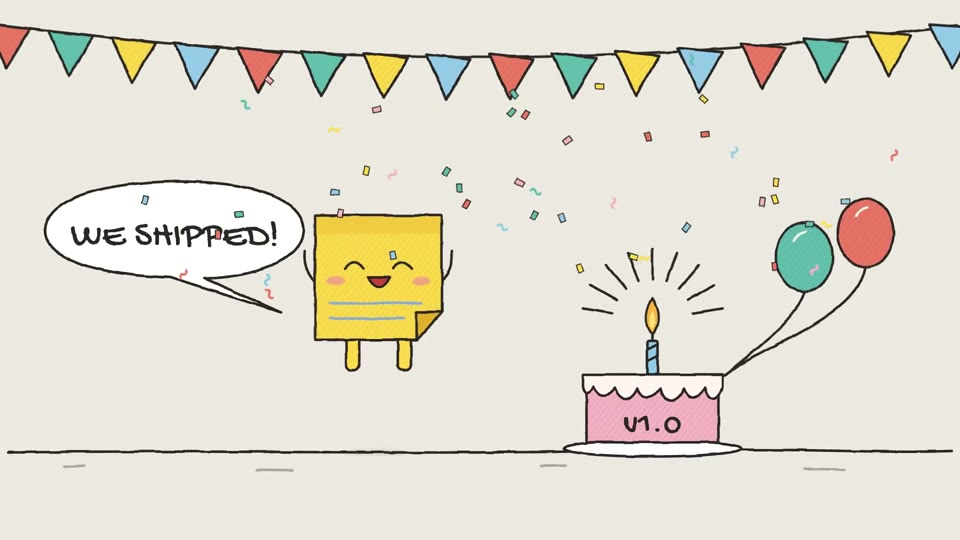 16:9 · Medium
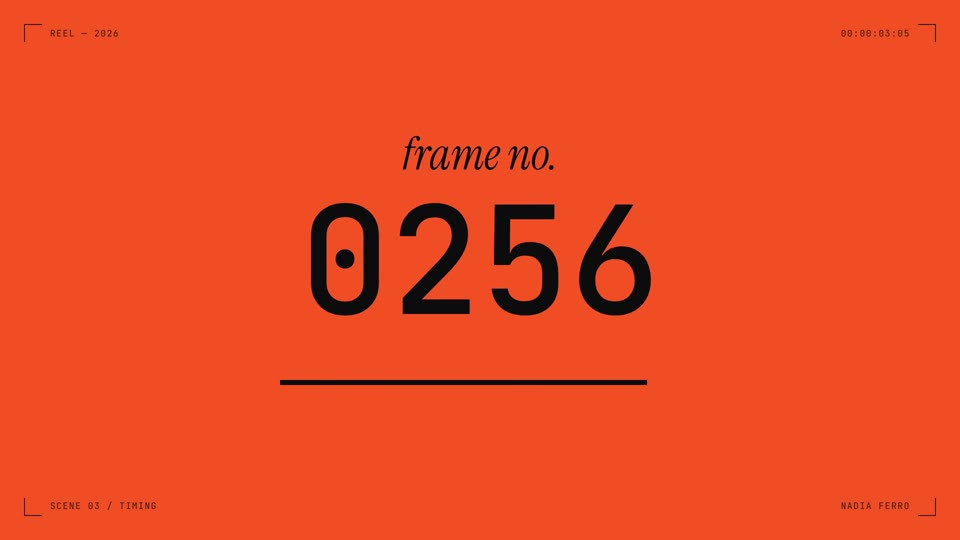 16:9 · Fast
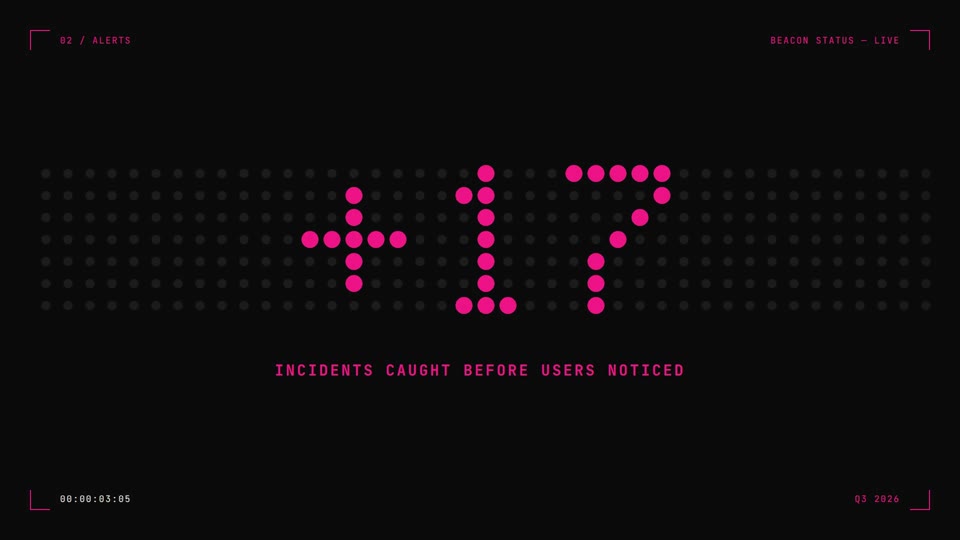 16:9 · Medium
Related playbooks
Also try make a 15-second launch teaser video with AI, make a founder launch video for X with AI or make a motion design showreel with AI.
 Free to run
 Free to run
 Free to run