
Explainer
A topic, article or script goes in, a narrated animated explainer comes out.
A 1–3 minute faceless explainer: a voiceover walks through one idea while drawings, diagrams, big words and numbers appear exactly as they're named. It's for creators, teachers and teams who want to explain something clearly without filming anything. What makes it good: a sharp hook, one idea per scene, and every picture landing on its word.
By Moritz Kremb
With FrameJam installed, paste this into your agent and replace the part in brackets with what the video is about and your files:
Make a video with the FrameJam playbook "Explainer" (id: explainer). Call get_playbook("explainer") and follow it. [Add more context here]You bring
- A topic, an article, notes or a finished script
- Optional: your own voice recording
- Optional: brand colours, a logo, facts you want on screen
You get
A 1–3 min 16:9 explainer with voiceover, captions, music and sound effects
What you need
- Explainer scripts and starter scene
- Hyperframes (or your project's video tool), Python 3 and ffmpeg
- A voice for the narrationYour own recording, Kokoro (runs locally), Piper (runs locally)
- whisper.cpp for word timing
- Background musicYouTube Audio Library, ElevenLabs Music, Suno
Works in your existing project, with the tool it already uses.
What your agent does
- Turn the topic into one clear idea and a short script
- Plan one picture per scene and review them as a storyboard
- Record or generate the voice and time every word
- Animate each scene so every picture lands on its word
- Add captions, music and sound effects
- Review each version in FrameJam until it's right
How it works
Turn a topic, an article or a script into a narrated explainer video where drawings, diagrams, big words and numbers appear exactly as the voice names them. Nothing is filmed, so you don't need a camera or footage.
Your agent turns your source into one clear idea and a short script, split into scenes with one idea each. It marks a cue on every word where something should appear on screen.
The voice comes first. It records or generates the narration, using your own recording or Kokoro, a free voice that runs on your computer, then times every word. That timing becomes the clock for the whole video.
Each scene is animated on its cues, so a picture lands within about a fifth of a second of the word that names it. Your agent invents the pictures for each scene: diagrams, metaphors drawn as objects, data, or an original mascot.
Captions, sound effects and music go on the same clock, with the music ducked under the voice. If you want to see the scenes before they're animated, it can show you a storyboard of still panels in FrameJam first.
Then it renders the explainer video and opens it in FrameJam. You comment on exact frames, your agent finds the scene and the cue for each note, and it makes the next version.
The example
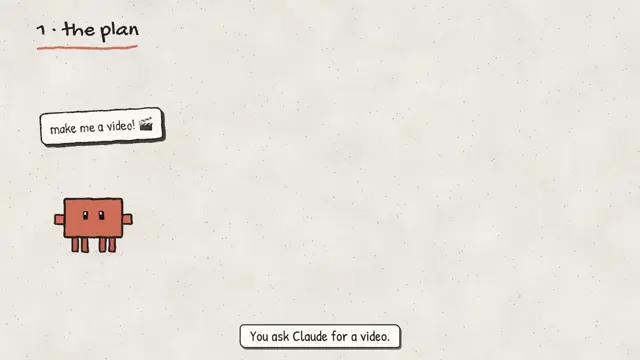
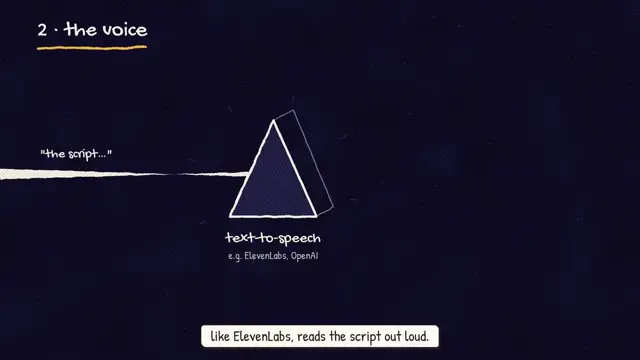
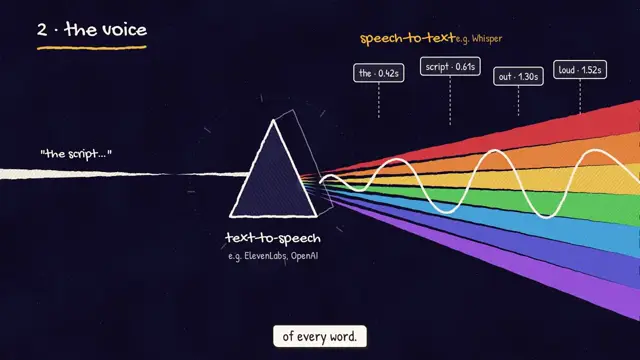
The video at the top is from "AI video under the hood", one of Moritz's own explainers and the reference build for this playbook. It shows numbered chapter labels, an original orange block mascot, and a prism that turns the script into a voice wave with word timing flags.

Example prompts
With FrameJam installed, paste one of these into Claude, ChatGPT or Cursor and change the details to yours.
From an article
Use the FrameJam explainer playbook to turn this article into a 90 second explainer: https://example.com/blog/how-vaccines-work. Write the script for curious adults and use a free voice.With your own voiceover
Make an explainer with the FrameJam explainer playbook from my script in ~/Documents/script.md. Use my voice recording at ~/Downloads/voiceover.m4a and the Blueprint style.Storyboard first
Use the explainer playbook to make a 2 minute video on why the sky is blue. Show me a storyboard in FrameJam before you animate anything.Questions
How long is an explainer video?
Between 1 and 3 minutes. The default is about 90 seconds at 16:9, and 2:20 or less if it's for X. A 9:16 version is made when it's for Reels, Shorts or TikTok.
Can I use my own voice?
Yes. Your own recording works, and so do free local voices like Kokoro or Piper. Paid voices like ElevenLabs or OpenAI are only used with your OK.
Which parts cost money?
Only a paid voice, generated music or paid sound libraries. The free route always exists: your voice or Kokoro, no music or a free library track, and the included sound effects.
I already have a Remotion or Manim project. Does it still work?
Yes. An existing project keeps its tool, and the playbook covers the method in Remotion, Motion Canvas, Manim and ffmpeg. New projects use Hyperframes.
Styles to try with Explainer
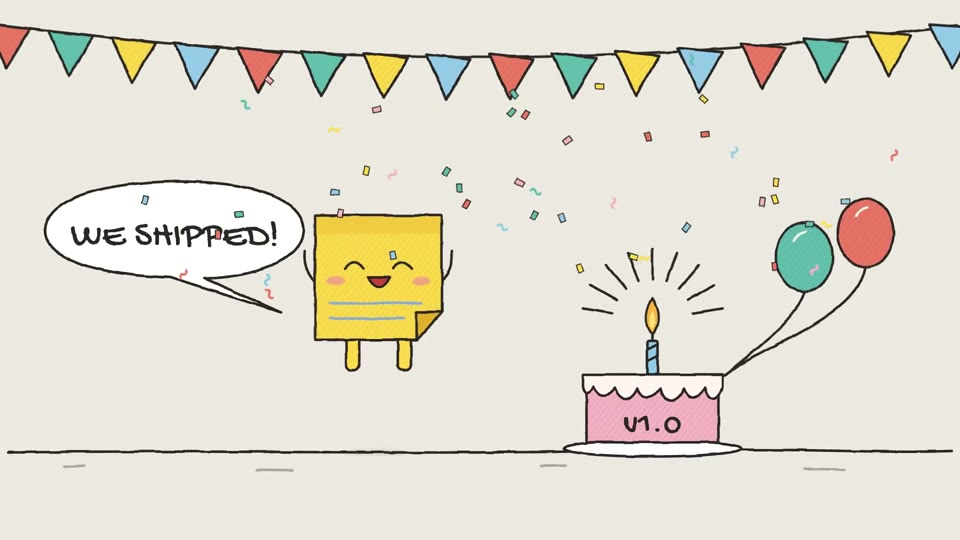
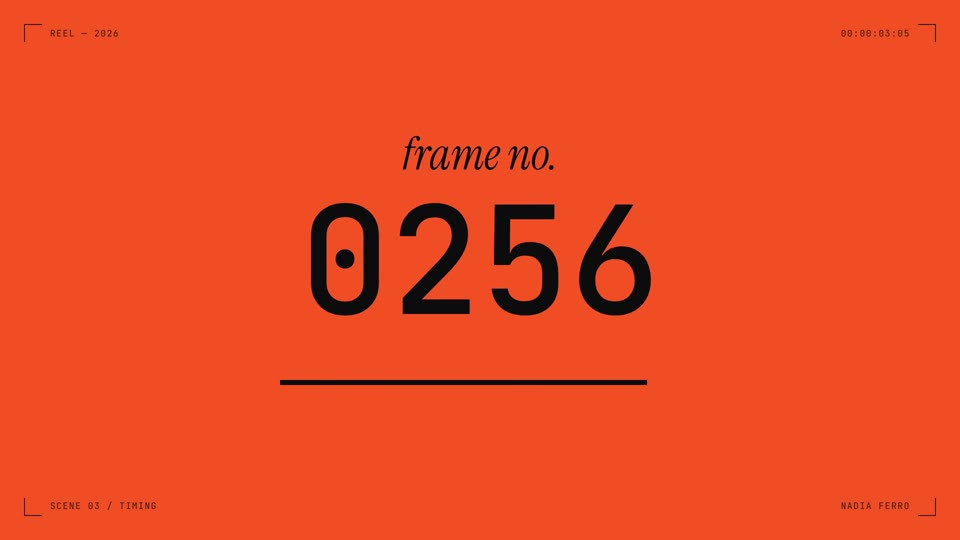
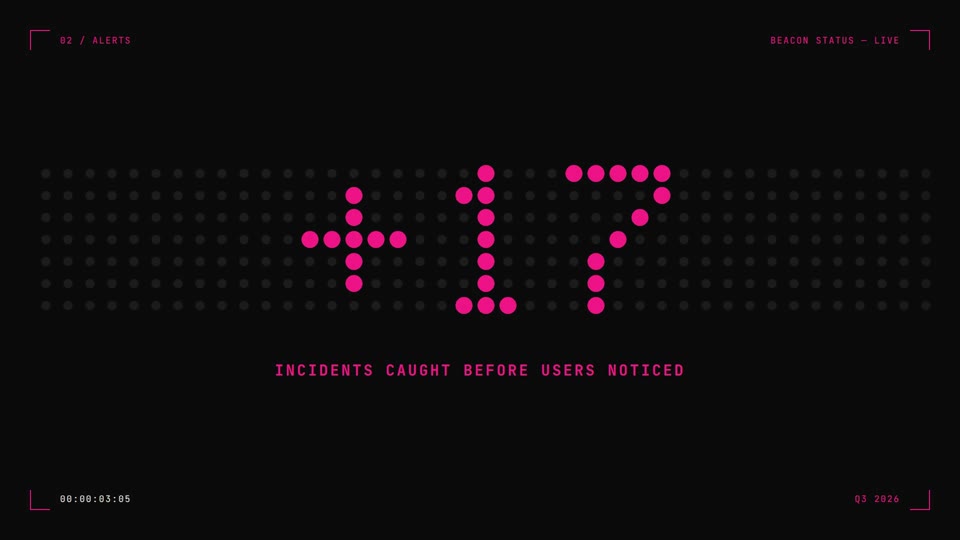
Your style sets the whole look. Any style in the Styles gallery works. A few to start with:
 16:9 · Medium
 16:9 · Fast
 16:9 · Medium
 16:9 · Slow
Related playbooks
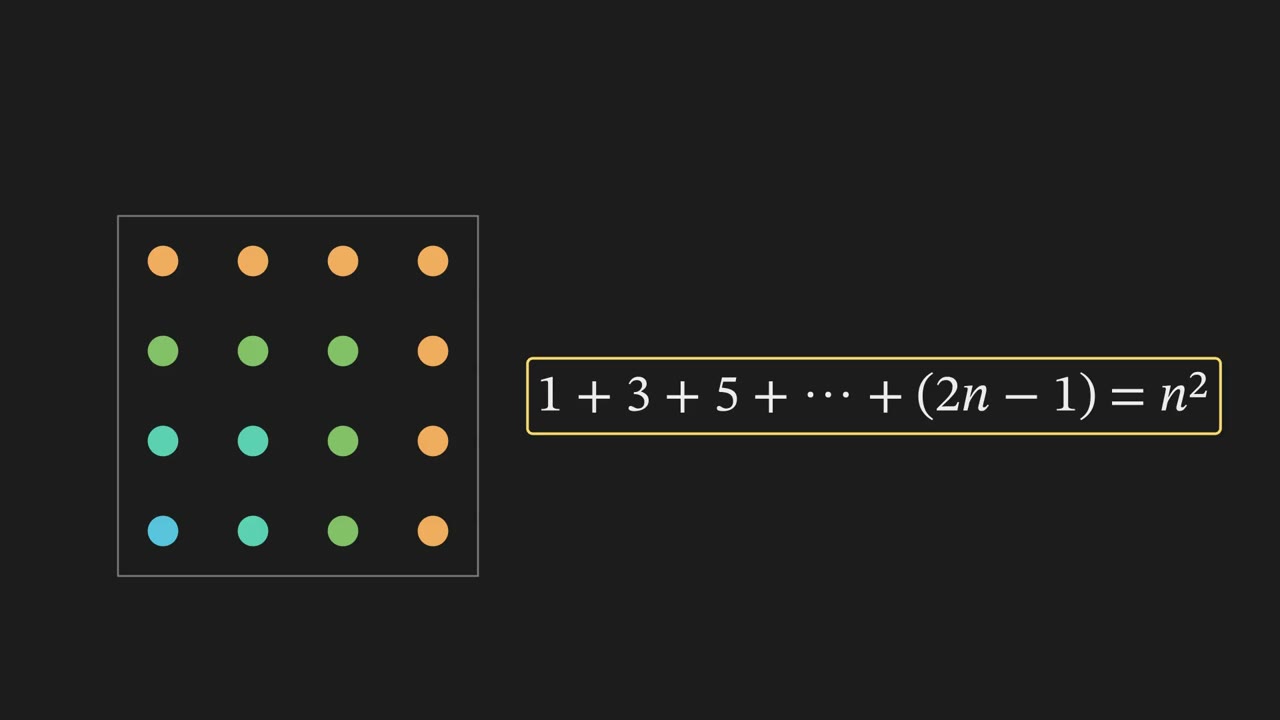
Also try make a 3Blue1Brown math animation with AI, make an AI music video with animated lyrics or make a step-by-step how-to video with AI.
 Free to run
 Needs 1 paid tool
 Free to run