
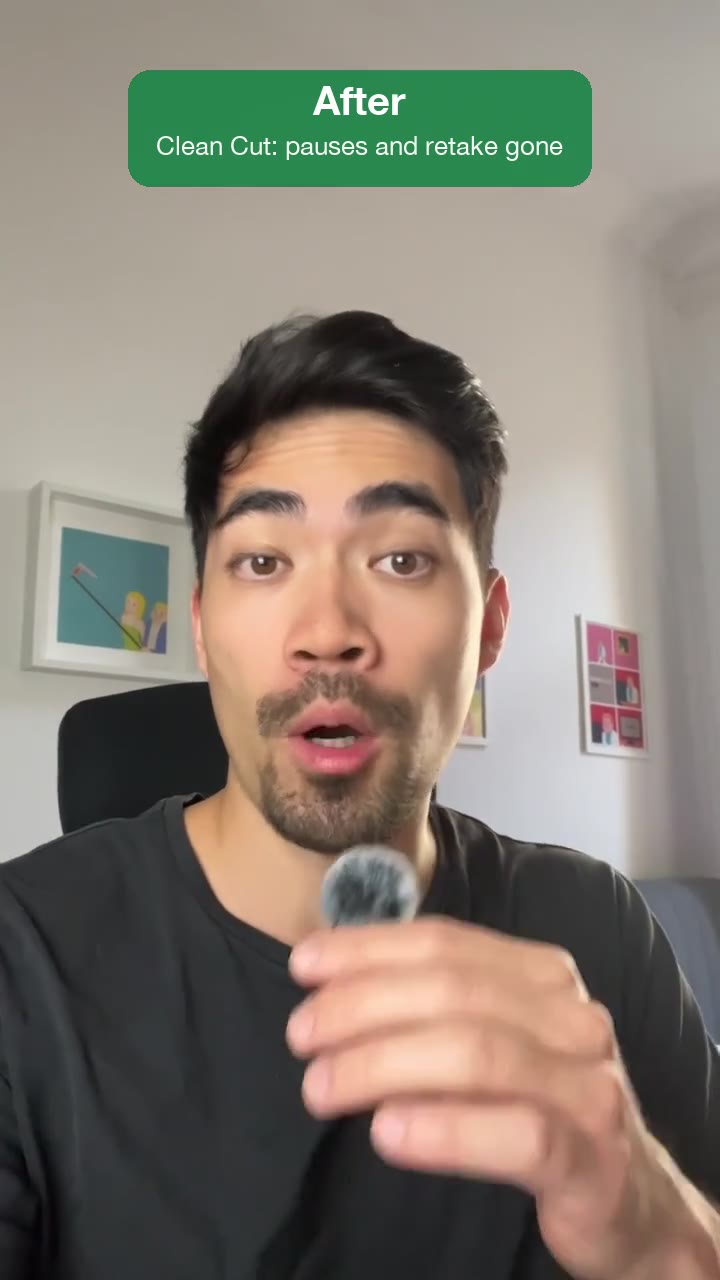
Clean Cut
A raw recording goes in, the same video as a tight, fast-paced jump cut without pauses, fillers and retakes comes out.
The basic cleanup every recording needs, cut tight: dead air, "um"s and "uh"s, false starts and earlier takes are removed, every pause becomes a beat, and the last take of every line stays. Nothing gets added, and you also get a cut list to keep editing in Resolve, Premiere or Final Cut.
By Moritz Kremb
With FrameJam installed, paste this into your agent and replace the part in brackets with what the video is about and your files:
Make a video with the FrameJam playbook "Clean Cut" (id: clean-cut). Call get_playbook("clean-cut") and follow it. [Add more context here]You bring
- A raw recording of you talking: to camera, over a screen recording, a talk or a podcast
- Optional: how tight it should feel
You get
The same video, shorter and clean, plus a cut list for your editor
What you need
- Python 3 and ffmpeg
- Speech to textwhisper on your computer (free), ElevenLabs Scribe (paid), OpenAI (paid)
Works in your existing project, with the tool it already uses.
What your agent does
- Turn your recording into text
- Find the pauses, fillers, false starts and repeated takes
- Cut them out tight, keeping the last take of every line
- Check every cut and export a cut list for your editor
- Review it in FrameJam until it's right
Styles
This playbook has its own look. Styles aren't used.
How it works
Remove silence from video recordings with your AI agent. Clean Cut takes out dead air, ums, false starts and earlier takes and gives you back the same video, shorter, with nothing added.
Hand your agent a raw recording of you talking: to camera, over a screen recording, a talk or a podcast, at any length or aspect ratio. It checks the file and transcribes it, free on your computer unless you ask for a paid service.
A silence pass comes first and shortens every pause to about 0.09 seconds, a tight jump cut. If you want it to breathe, ask for a natural or gentle cut instead.
Then it reads the transcript for lines said twice, abandoned sentences, setup chatter and fillers like "um" and "uh", and keeps the last take of every line. Full transcripts hide short restarts, so it also transcribes 3 to 6 seconds around every sentence start and removed pause, and puts each cut in a quiet gap on the waveform.
You get the clean video at the source's size and frame rate, plus cut lists (EDL, FCPXML and CSV) that open in Resolve, Premiere or Final Cut on top of your untouched original.
The cut opens in FrameJam. Comment on a cut that feels too tight or a retake it missed, and your agent maps your time back to the source, cuts again and sends the next version.
The example
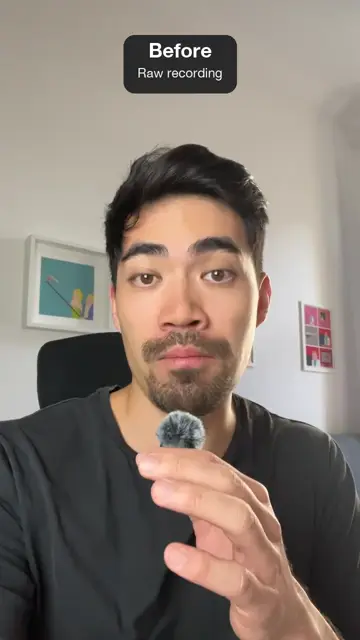
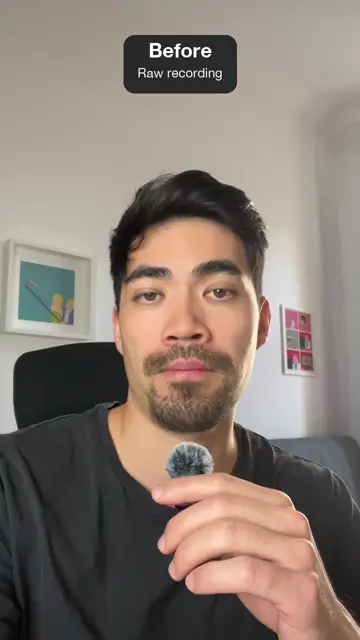
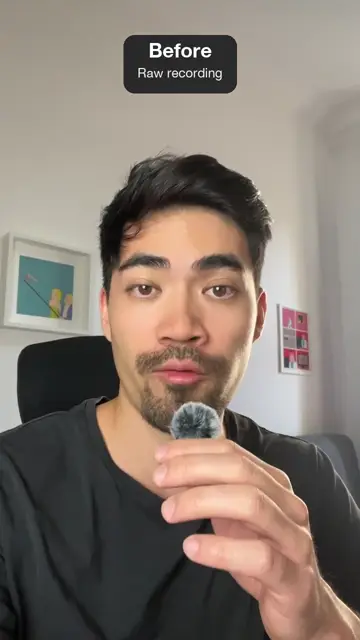
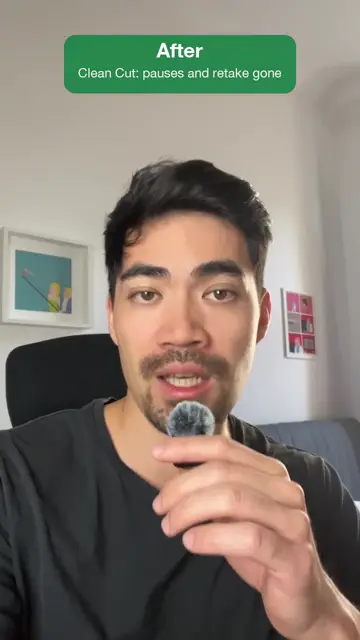
The example is a vertical selfie recording shown before and after: first the raw take, then the Clean Cut version, labeled "pauses and retake gone".
Example prompts
With FrameJam installed, paste one of these into Claude, ChatGPT or Cursor and change the details to yours.
A tight jump cut
Use the Clean Cut playbook on ~/Downloads/raw-take.mov. Cut the pauses, ums and retakes.A podcast that should breathe
Run Clean Cut on ~/Videos/podcast-ep12.mp4, but keep it natural, it's a podcast. Keep the stereo sound, there are two mics.To keep editing in your editor
Clean Cut ~/Videos/tutorial-raw.mp4 and give me the cut list for DaVinci Resolve so I can finish the edit there.Questions
Does Clean Cut add captions or music?
No. Nothing is added, so no captions, graphics, music, color or zooms, unless you ask for them.
What do I need installed?
Python 3 with NumPy, ffmpeg and ffprobe. Transcription is free on your computer by default; ElevenLabs Scribe and OpenAI are paid and only used with your OK.
Can it remove silence from video with music or a second mic?
Yes. Your agent keeps the source's channels when it's stereo with music, a second mic or room tone that matters, and only removes the gaps in the speech.
What if my last take is the worse one?
It keeps the last take anyway, even if an earlier one sounds more fluent. If the last take is incomplete, your agent flags it to you instead of quietly swapping in an earlier one.
Related playbooks
Also try edit shorts with AI, with layouts that switch as you talk, make a founder launch video for X with AI or make YouTube Shorts with AI from talking-head clips.
 Free to run
 Free to run
 Free to run