Neon Terminal
Typed commands, green phosphor glow, a glitch cut to the logo.
16:9Fast pace7.5stechnicalenergeticdark
Developer-tool launch style. A terminal window types a real command, output lines pop in with check marks, then a glitch transition reveals the product name with a glowing install chip.
Use this style
With Frame Jam installed, press Use this style in the local gallery, or just ask your agent:
Make a video with the Frame Jam style "neon-terminal" and open it for review.Palette
background#050806
surface#060e09
primary#3dff8f
text#c8ffd9
muted#4f7a5d
warning#ffd23d
border#1f3d29
Type
- Mono
- JetBrains Mono 400, 700, 800Everything. Terminal text 34px, logo 150px weight 800
Motion
- Typing
- steps(n) where n = character count
- Enter
- power2.out
- Logo
- expo.out
- Chip
- back.out(2)
- Glitch
- none (0.04s yoyo jitters)
- Average shot
- 3.7s
Output lines every 0.3–0.4s, like a real CLI. Hold the final URL line ~1s before the glitch.
Transitions and text
- glitch skew + fade
- scanline overlay throughout
- typewriter via width + steps()
- blinking block cursor
- line-by-line output reveal
- horizontal squeeze-in on logo (scaleX 1.6 → 1)
Style guide your agent follows
- Use real commands and believable output (timings, counts, URLs). Never lorem ipsum.
- Type commands with a width tween and ease steps(<characters>), ~22 chars per second. Keep the block cursor blinking (0.01s opacity yoyo, 0.25s repeatDelay).
- Output: muted (#4f7a5d) for progress, green check marks (#3dff8f) for success, yellow ▲ for highlights.
- Keep the scanline overlay (repeating 2px lines, 22% black) above everything.
- Transition out with 3–4 quick skewX jitters (0.05s) then fade; reveal the product name by squeezing scaleX from 1.6 to 1 with expo.out (animate transforms, not letter-spacing).
- End on a pill-shaped install command chip in the primary green.
Similar styles
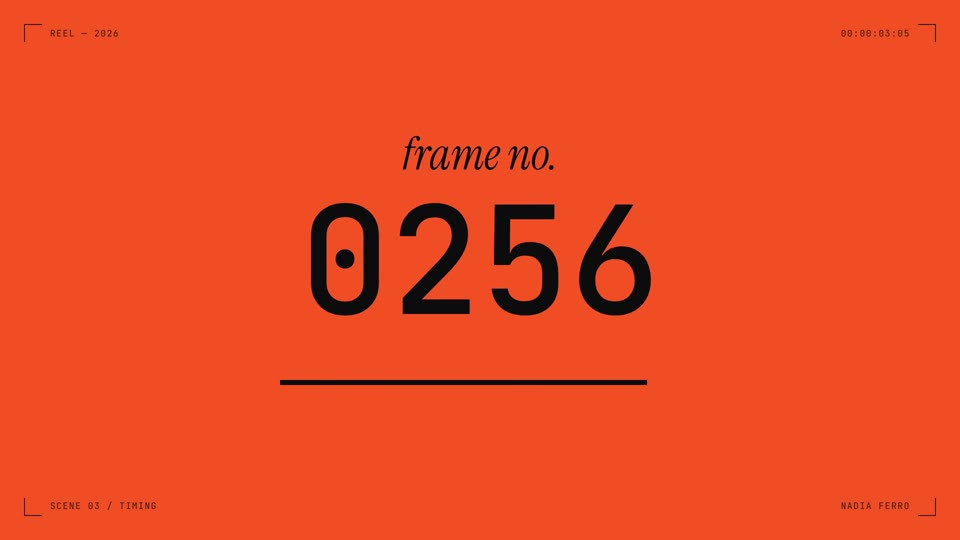 16:9 · Fast
Dot Field Showreel
Viewfinder HUD, one-second colour cuts, kinetic type and a dot field that ripples on cue.
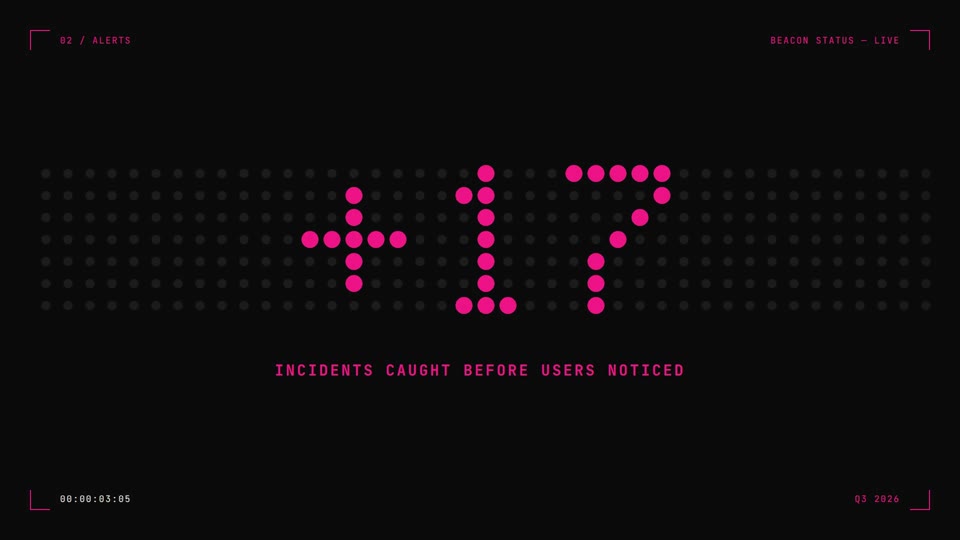 16:9 · Medium
Dot Matrix
Big numbers lit on a dot board that re-lights column by column, with hard cream-to-black cuts.
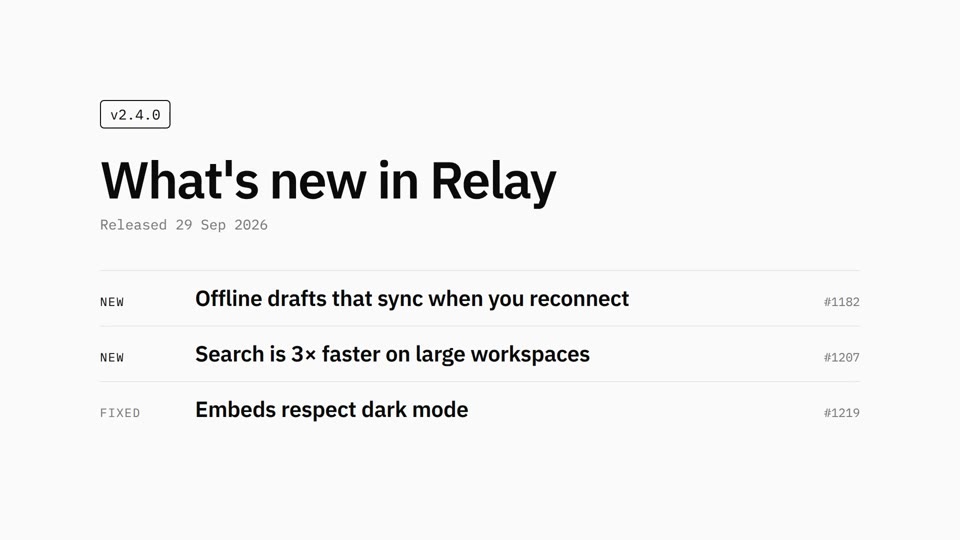 16:9 · Slow
Mono Changelog
Black on white, Plex type, one release note at a time.
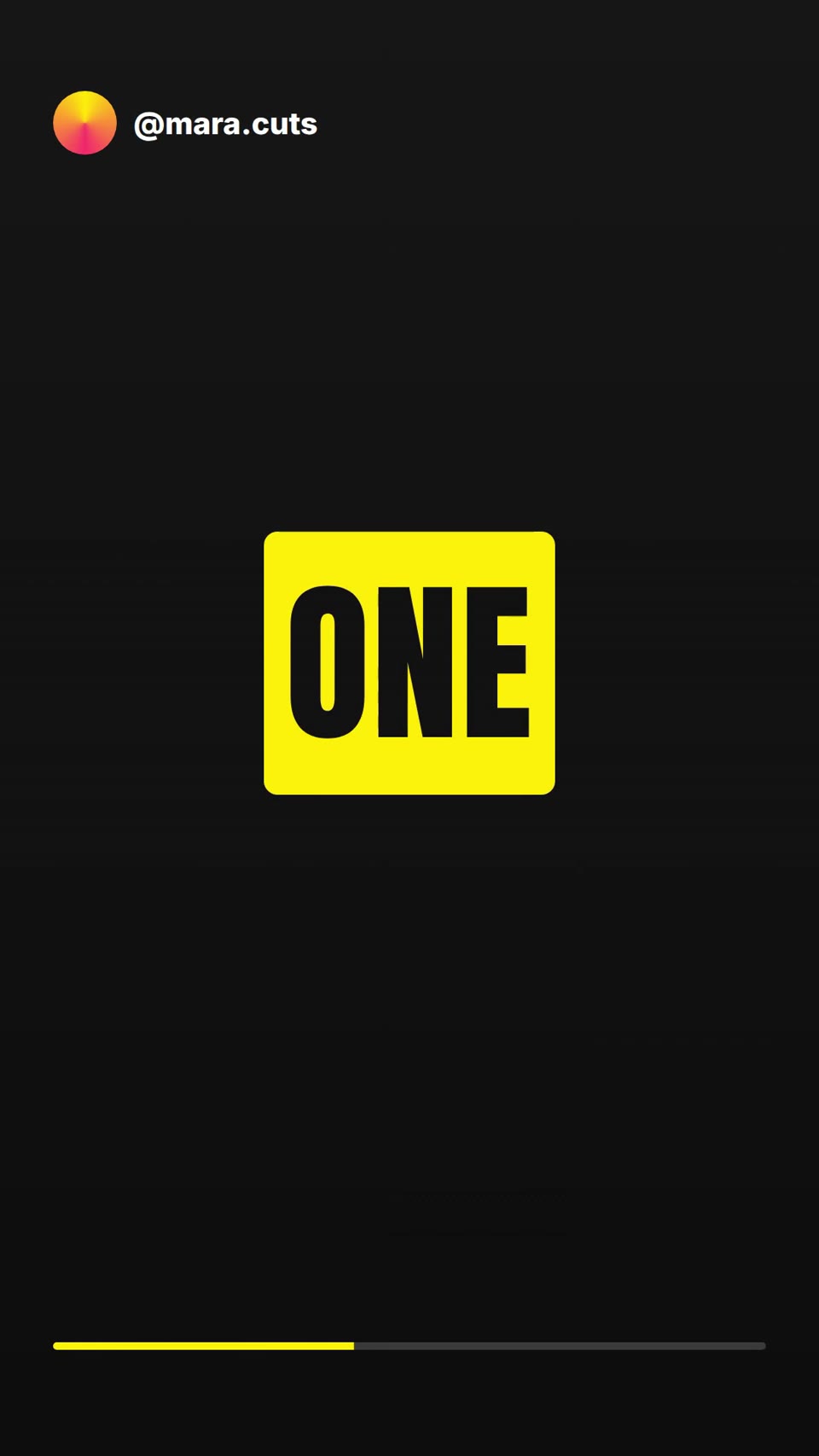 9:16 · Fast
Kinetic Captions
One giant word at a time. Yellow highlights on the words that matter.