Kinetic Captions
One giant word at a time. Yellow highlights on the words that matter.
9:16Fast pace7.5spunchyenergeticsocial
Vertical social style for talking-head clips, hooks and tips. Each spoken word slams in big and centered, key words get a yellow highlighter block, a progress bar runs along the bottom and a sticker lands for the takeaway.
Use this style
With Frame Jam installed, press Use this style in the local gallery, or just ask your agent:
Make a video with the Frame Jam style "kinetic-captions" and open it for review.Palette
background#0d0d0d
text#ffffff
highlight#ffe600
highlightText#111111
sticker#ff3d6e
Type
- Caption
- Anton 400Captions 230px uppercase, one word (max two) per beat
- Ui
- Inter 600, 800Handle and sticker text 40–46px
Motion
- Pop
- back.out(3)
- Sticker
- back.out(2.5)
- Progress
- none
- Shake
- none (0.05s yoyo)
- Average shot
- 0.75s
Match word clips to speech: 0.6–1.1s each. Hold the final line ~2.5s.
Transitions and text
- hard word swaps (one clip per word)
- sticker pop
- scale-pop 1.45 → 1 in 0.18s
- yellow highlighter block on keywords
- horizontal shake on emotional words
Style guide your agent follows
- 1080×1920. Keep captions centered at y≈760 so they clear the platform UI at the top and bottom.
- One clip per word (class="clip", data-start/data-duration from the transcript). Pop each with scale 1.45→1, opacity 0→1, 0.18s back.out(3).
- Highlight 1–2 keywords per sentence with the yellow #ffe600 block (dark text, 18px radius). Never highlight more than one word per beat.
- Shake (x ±8, 0.05s yoyo) only on the emotional peak word.
- Keep the creator handle top-left and a thin yellow progress bar along the bottom for the full duration.
- Land the takeaway as a tilted pink sticker in the last 2 seconds.
Similar styles
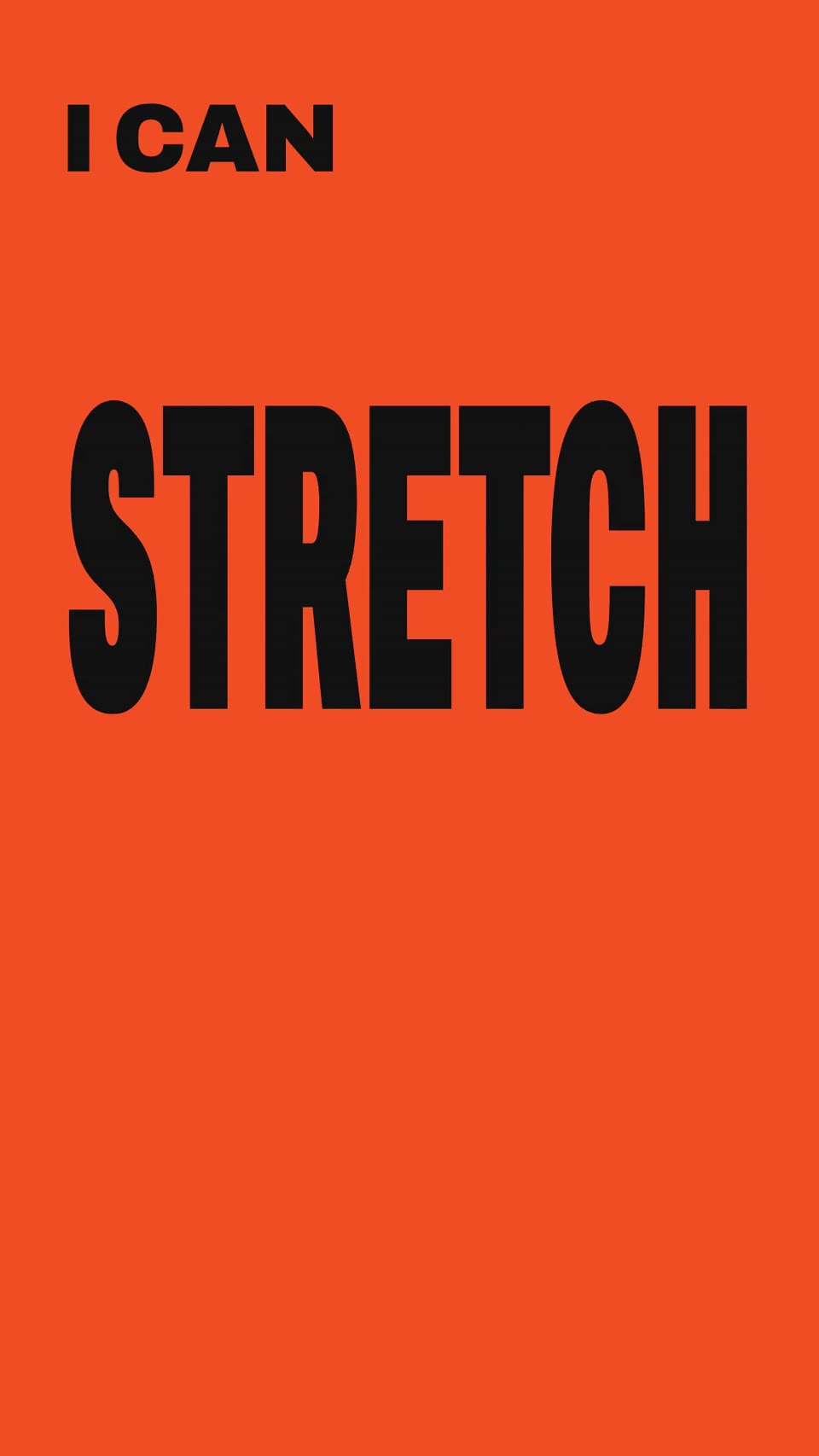 9:16 · Fast
Verb Reel
"I can ___" — every verb performs itself, with a hard colour switch on each word.
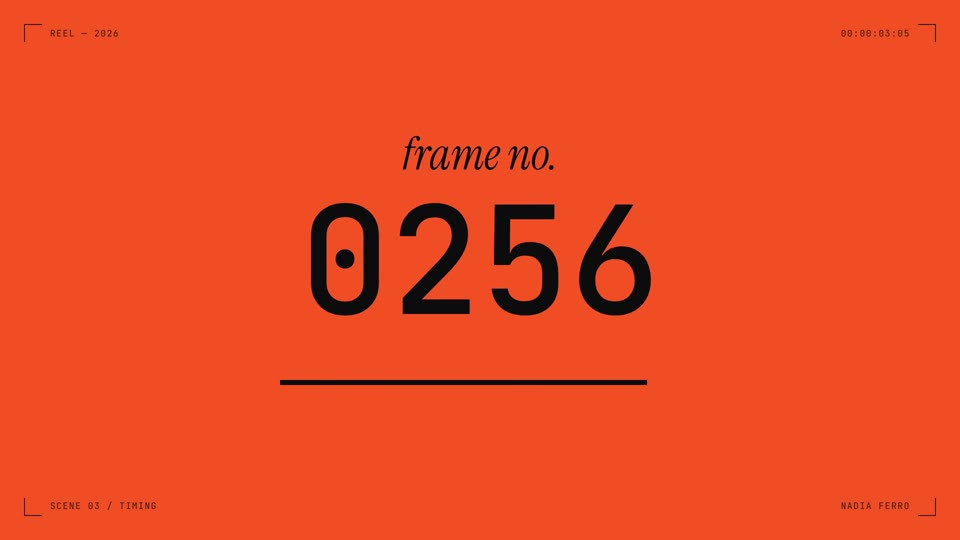 16:9 · Fast
Dot Field Showreel
Viewfinder HUD, one-second colour cuts, kinetic type and a dot field that ripples on cue.
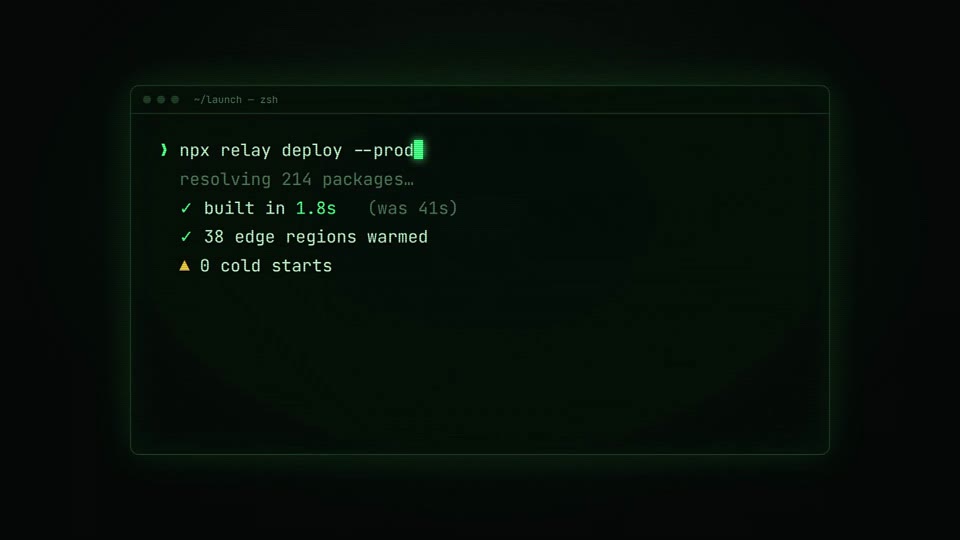 16:9 · Fast
Neon Terminal
Typed commands, green phosphor glow, a glitch cut to the logo.
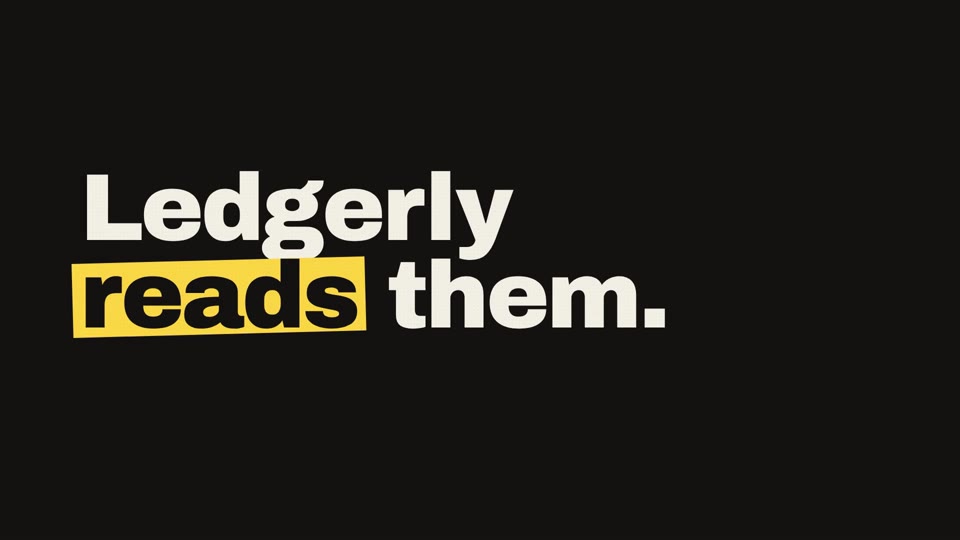 16:9 · Fast
Paper Marker
Huge kinetic type on paper, marker notes that draw themselves, and hard switches to black.