Midnight Launch
A glowing app icon, blur-in type and fanned media cards on near-black — the classic AI launch film.
16:9Medium pace8ssleekpremiumcalm
Dark product-launch style for AI tools, APIs and app releases. A gradient app icon focuses in from blur, short "Generate …" lines crossfade through blur while fans of media cards fly out from behind them, a prompt box types itself and a cursor clicks send with a spark, and the film resolves on a centred icon-and-wordmark lockup.
Use this style
With Frame Jam installed, press Use this style in the local gallery, or just ask your agent:
Make a video with the Frame Jam style "midnight-launch" and open it for review.Palette
background#0a0a0b
glow#17131f
panel#151518
border#2a2a31
text#f2f2f3
muted#8b8b93
accent#ff5b3a
iconGradientlinear-gradient(140deg, #ff7a45, #c04bff 55%, #4b6bff)
Type
- Display
- Inter 600Centred lines 84–112px, tracking -0.03em
- Body
- Inter 400, 500Prompt text 32px, URL line 34px muted
Motion
- Focus
- expo.out
- BlurIn
- power3.out
- BlurOut
- power2.in
- Fan
- expo.out
- Cursor
- power3.inOut
- Average shot
- 1.6s
Logo ~1.7s, then three capability beats of ~0.9s each, a ~2s prompt demo and a ~1.5s lockup.
Transitions and text
- blur crossfade: out to blur(14px) 0.3s, next line in from blur(18px)
- card fans collapse back to centre before the next set flies out
- no hard cuts; everything resolves through blur and opacity
- icon focuses from scale 0.6 + blur(24px)
- lines rise 20px while de-blurring
- prompt types character by character (16ms each)
- send click: cursor and button squash, eight rays burst
Style guide your agent follows
- Near-black #0a0a0b with a faint purple radial glow at centre; no grids or textures.
- The hero is a rounded-square gradient app icon with a soft coloured shadow. Keep everything centred and symmetrical.
- Capability lines are two words ("Generate images") in Inter 600, swapped with blur crossfades; behind each, a fan of six cards flies out from centre with expo.out and collapses before the next.
- Demonstrate one real action: a prompt box that types a specific request, a cursor that clicks send, and results that de-blur in.
- Use a single warm accent (#ff5b3a) for the send button and highlights only.
- End on icon + wordmark and one muted line saying what it is and where to get it.
Similar styles
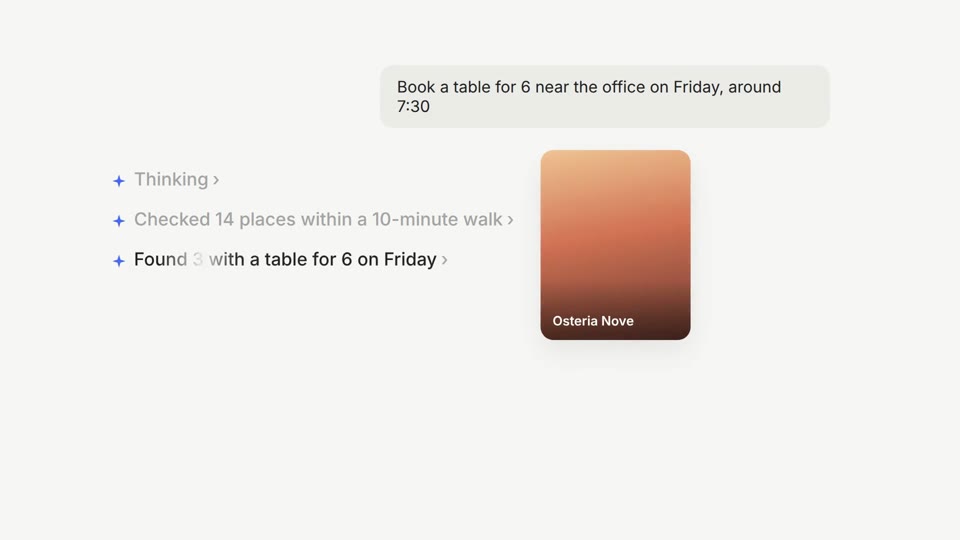 16:9 · Medium
Agent UI Demo
A glowing prompt bar, shimmering step-by-step agent status and a confirmation card that lands.
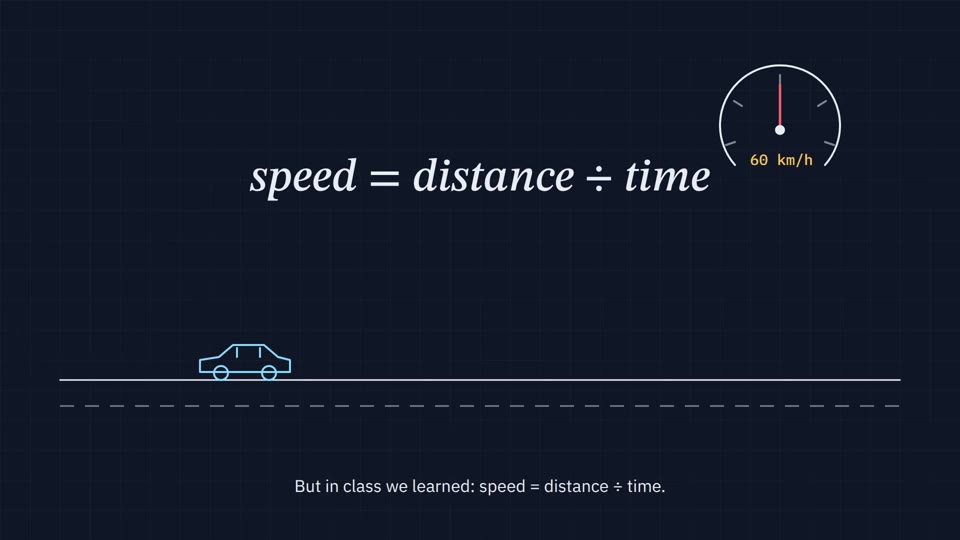 16:9 · Slow
Blueprint Explainer
Thin line drawings on a navy grid, a needle that sweeps, a formula that writes itself and calm subtitles.
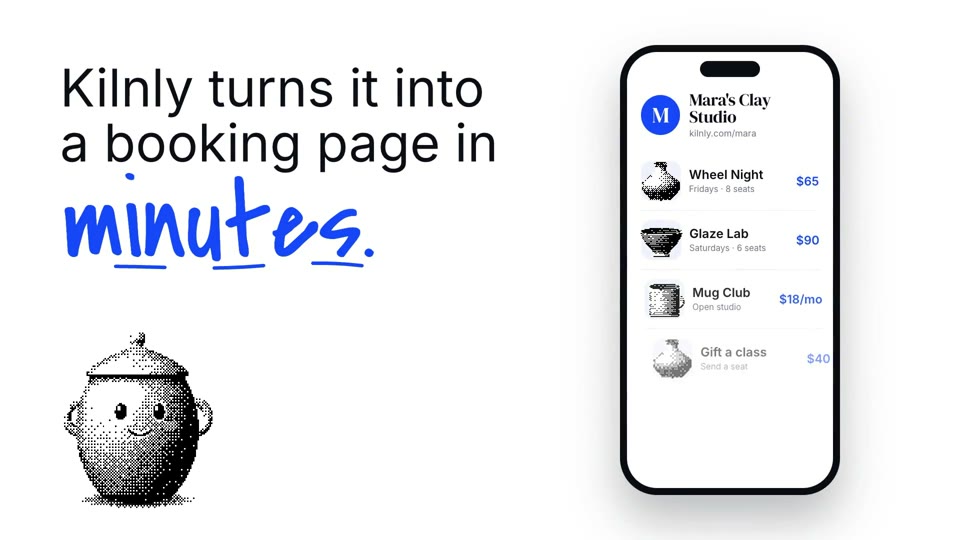 16:9 · Medium
Dither Serif
A stippled 3D mascot, big serif headlines with one cobalt script word, floating UI and a skewed stamp that slams.
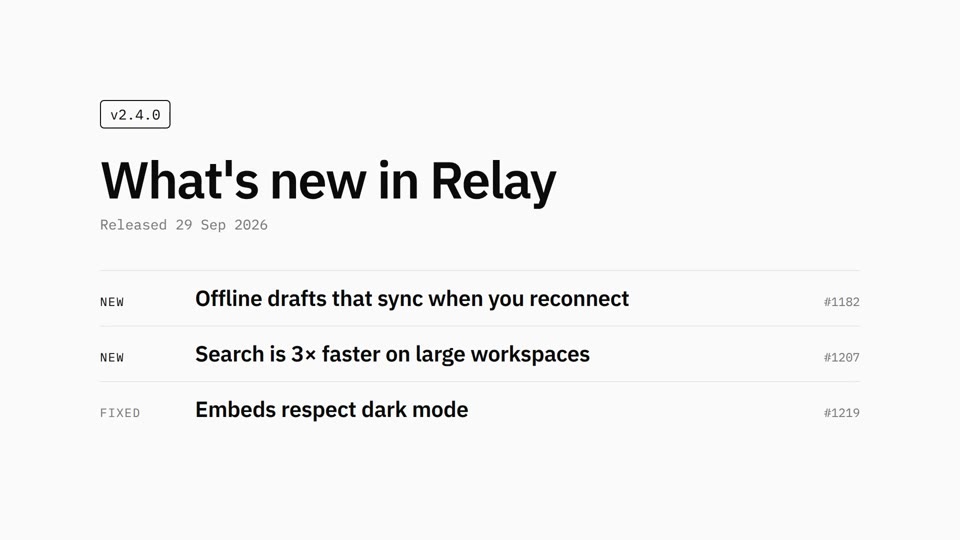 16:9 · Slow
Mono Changelog
Black on white, Plex type, one release note at a time.